Malware detection software – Key features and popular options
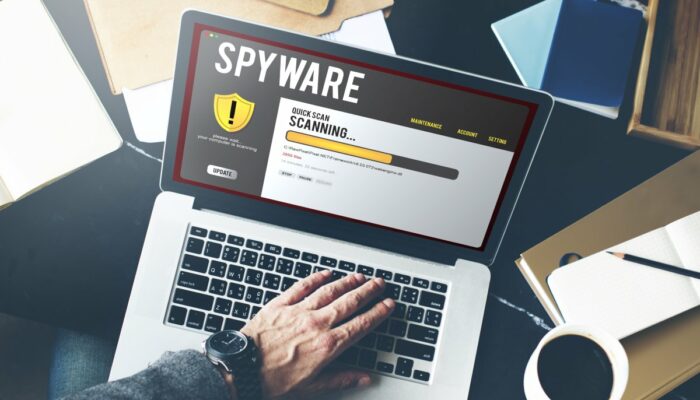
With cyber threats becoming more frequent and more sophisticated, installing malware detection software on computers is no longer optional. Without this software, threats like spyware, Trojans, and phishing attacks can not only damage files but also steal data and pose financial risks. That said, installing any random malware scanning program is not a good idea. Knowing about the software’s features and finding out what it can and cannot do is recommended.
Features to look for in malware detection software
Almost all spyware and malware removal tools offer a demo or free trial. Use that time to assess the tool and determine how well it performs in real-world conditions before committing to it.
High detection rate
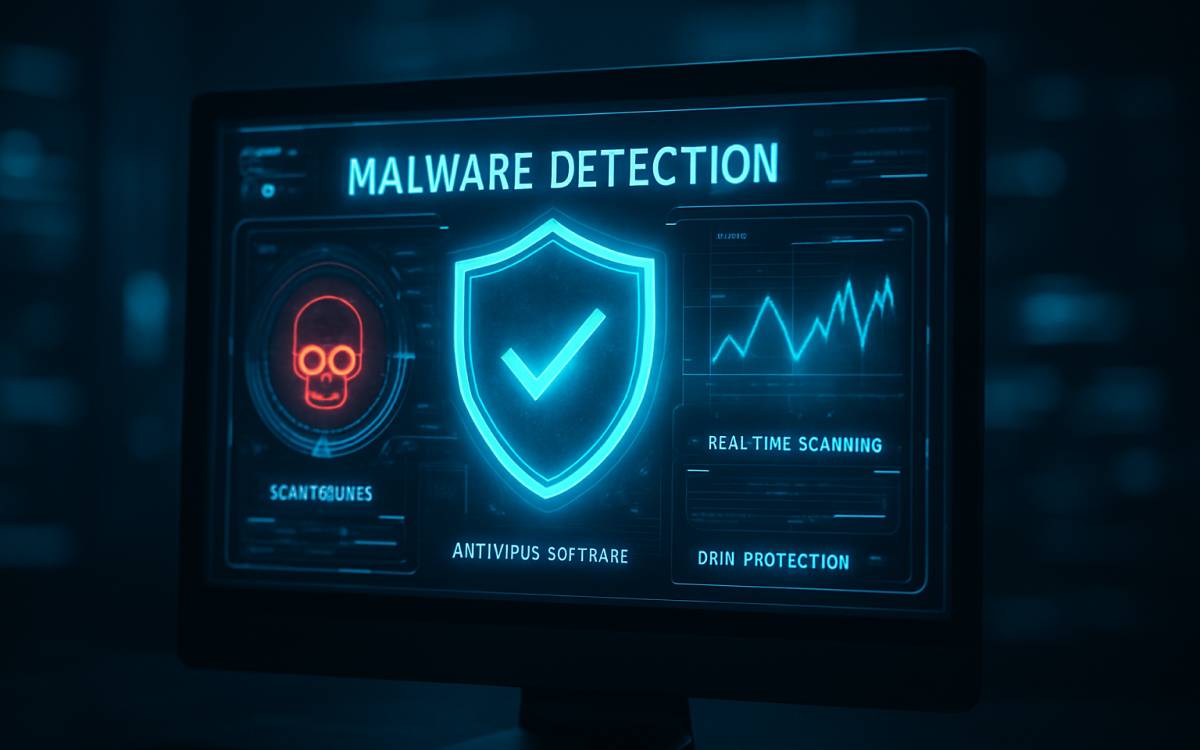
A malware scanning program’s ability to detect threats is most important. First and foremost, the tool should offer real-time protection. This means it should scan files the moment they enter the system via downloads, email attachments, or external storage devices. Next, it should have a high detection rate, meaning it should not miss any threats. A tool’s detection rate can be verified through results published by independent testing labs, such as AV-TEST, AV-Comparatives, or Virus Bulletin.
Low impact on system performance
The next thing to check is the program’s impact on the device. If the computer starts lagging or its applications become unresponsive while the software runs, that tool may not be the right fit. Ideally, malware detection software should not slow down the system.
Integration with existing technologies
Malware detection software should be compatible with the device’s existing security features, such as firewalls and VPNs. This gives the device a better shot at detecting and defending against threats. Simple things like blocking unauthorized access become easier.
Ransomware protection
One of the most dangerous cyber threats today is ransomware. It is a type of malware that can lock or encrypt files on a device, rendering them inaccessible. Access is only granted when the user agrees to a ransom payment. Given this, the security tool must offer protection against ransomware. It should be able to automatically back up files upon detecting encryption attempts.
Ease of use
Even the best malware detection tools become less efficient if they are difficult to use. So, before subscribing, check whether the software has a clean interface that makes navigating its features easy. The tool should also send clear alerts during an attack to explain what’s going on. Furthermore, it should allow customization in terms of scan timings, notifications, and protection levels.
Automatic updates
Cyber threats keep evolving with time. To offer protection against these evolving threats, malware tools should evolve, too. So, choose security software that updates automatically in the background without interfering with the device’s functions.
Top malware detection tools in 2026
Bitdefender Antivirus Plus
Bitdefender detects all types of malware, including ransomware and phishing attempts, besides offering tracking prevention and a built-in VPN for added privacy. Upon detecting an infected file, the tool automatically isolates and cleans it, minimizing damage. Bitdefender Antivirus Plus has a starting price of around $25 for one device.
Norton 360 Deluxe
Norton 360 Deluxe offers malware protection, cloud backup, unlimited VPN access, and file protection that prevents unauthorized changes. It also offers additional tools, such as password management, webcam security, and dark web monitoring. The Norton 360 Deluxe plan costs around $120 for five devices.
Malwarebytes
This tool offers all-around protection, safeguarding the device against ransomware, spyware, Trojans, botnets, adware, and crypto-miners, among other threats. It offers a 14-day trial of its premium version, after which users can continue with a free tier (lower version) or upgrade to a paid plan (starting at around $45 per year for a single device).